The Start Of Squid Games At Jeff’s Place
It Starts with a Fresh Copy of Unity 2020 and Sinespace. I had the Squid Game already in Blender so all I need to do is get it into Unity.
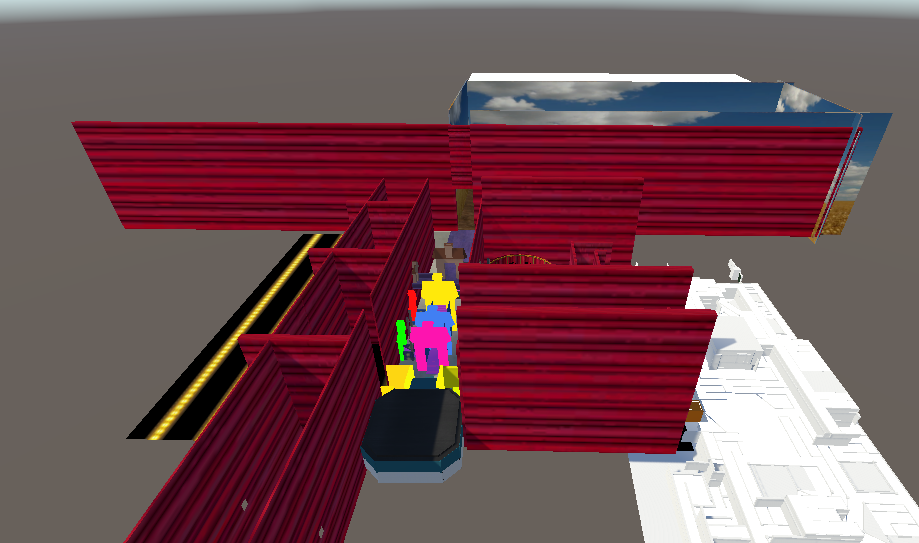
So the build is done and inside of Unity, I just added physics to everything because for some reason when I import them into Unity I loose the physics but that’s a new problem for later. The Build is done and textured and just now waiting for the mechanisms to be added.
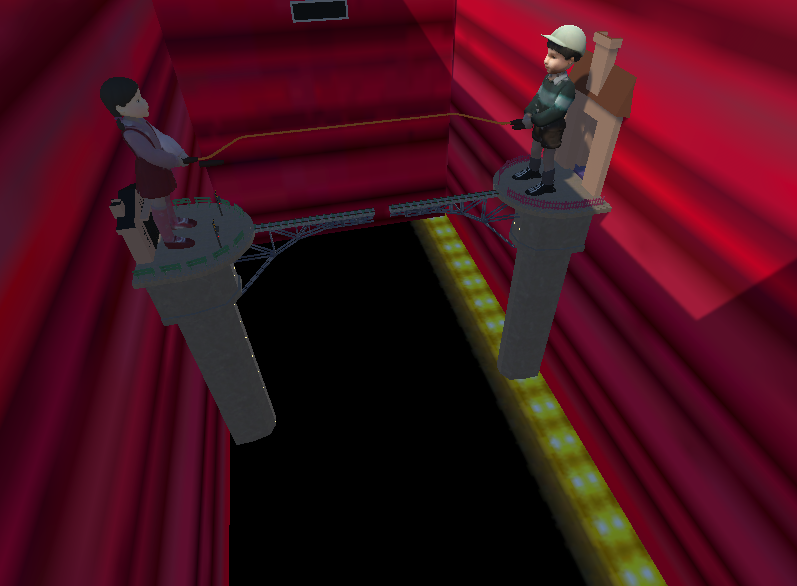
In The Jump Rope Room, the Rope needs to Turn and knock you off the platform if You Don’t Jump With Good Timing. A Camera Needs To be added For A TV In The Viewer Room, and A Timer Needs added.

In The Bridge Room, A Camera Needs To be added for the viewing room and the panels on the bridge also need to be activated with physics so that some have it and some don’t leading to a fall if the wrong one is picked. Timers need to be added
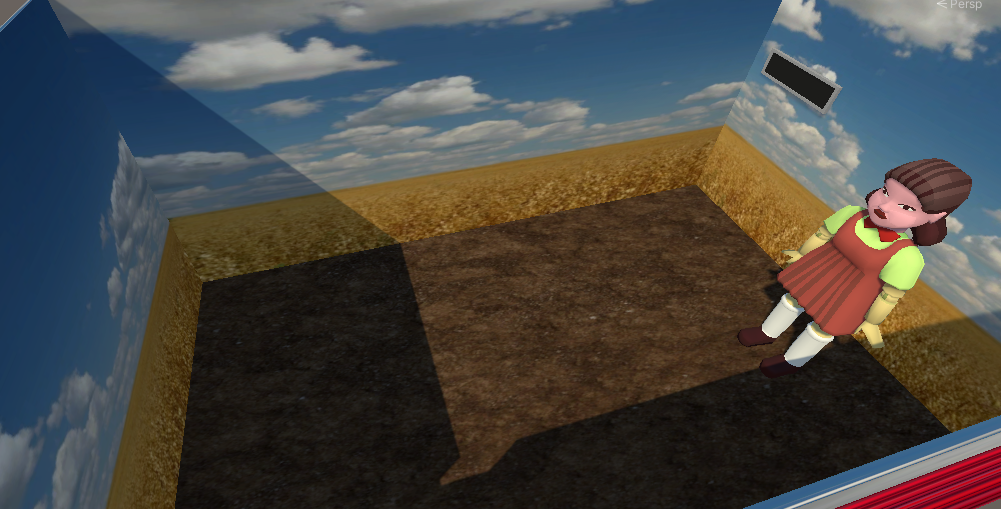
In The Red Light Green Light Room, a Camera needs to be added along with a Timer, The Doll Also needs to Turn Front and Back and Count So Sound And a Animation with a trigger.
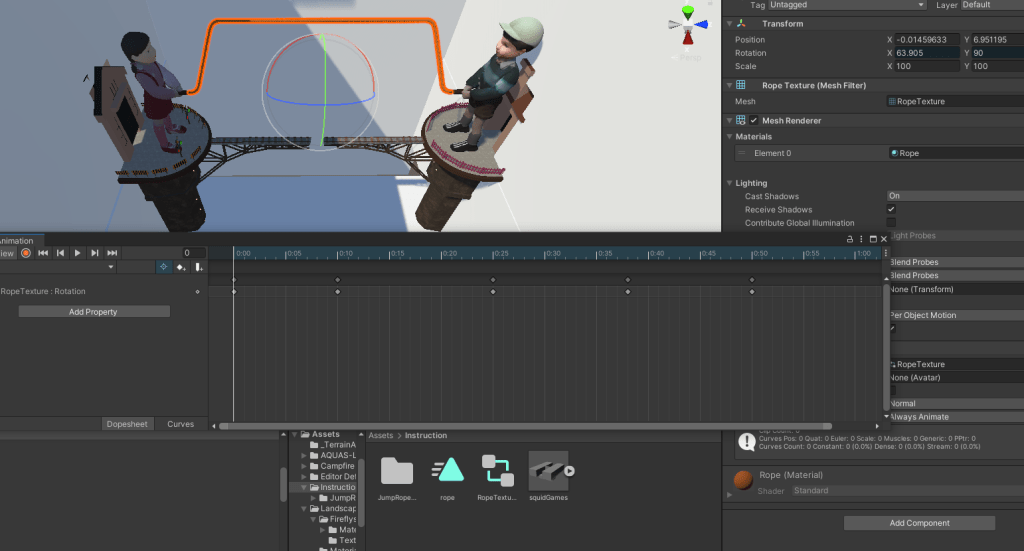
I am going to split this Tutorial up into parts per Room.
UPDate: 24 hours later.
After Thinking about this project for a couple hours, I am worried about the size of the project. The Last Squid Games was bare bones and barely made it under the 2048 Mb that Sinespace allows for Regions. I think I am going to change the direction I take this. I am going to break each escape challenge into a region, instead of One region there will be how ever many Challenges I have, and have teleports instead of running through One Region.. I feel this will allow for more mechanisms Per Challenge Room meaning a better quality build when its finished.
 Saphyinworld